 Live Webcams in Ulm
Explore live streaming views from Ulm, . Check current weather conditions, traffic, and beautiful local spots.
Latest Cameras
24 streams found


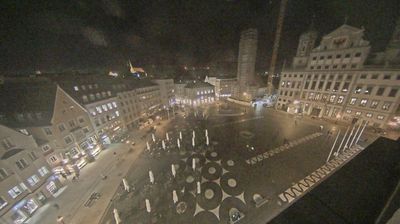
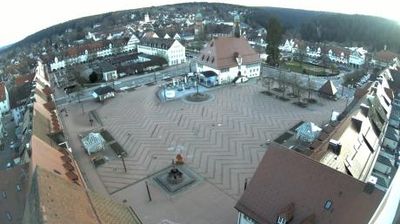
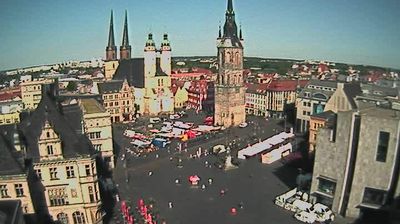
Virtual Travel to Ulm
Whether you are planning a real-world visit or just digital globe-trotting, the live webcams in Ulm offer an unfiltered glimpse into daily life. Watch the sunrise, check the local traffic before your commute, or simply enjoy the urban and natural landscapes that make this location unique. Bookmark this page to easily return and check the live weather conditions anytime.

About Ulm
Ulm, Almanya'nın Baden-Württemberg eyaletinde Tübingen iline bağlı Alb-Donau ilçesi merkezi olan bir kenttir. Tuna Nehri kıyısındaki Ulm Stuttgart'a 90 km uzaklıktadır. Tarihsel ve geleneksel olarak Ulm bir bağımsız İmparatorluk şehri (Reichsstadt)'dir. Uluslararası ünü Gotik mimari stilinde yapılmış dünyada en yüksek merkezi kulesi olan "Ulmer Munster" bulunması ile Albert Einstein'ın doğum yeri olmasıdır. Ulm II. Dünya Savaşı sırasında düzenlenen hava akınlarında büyük hasar görmüştur. Savaştan sonra şehirdeki tarihi binalar restore edilmiştir. 1967 yılında kurulan Ulm Üniversitesi şehrin gelişmesine önemli bir katkı sağlamıştır.
📖 Read more on Wikipedia